AI Chatbot Setup Tutorial: No Coding Required (2026 Guide)
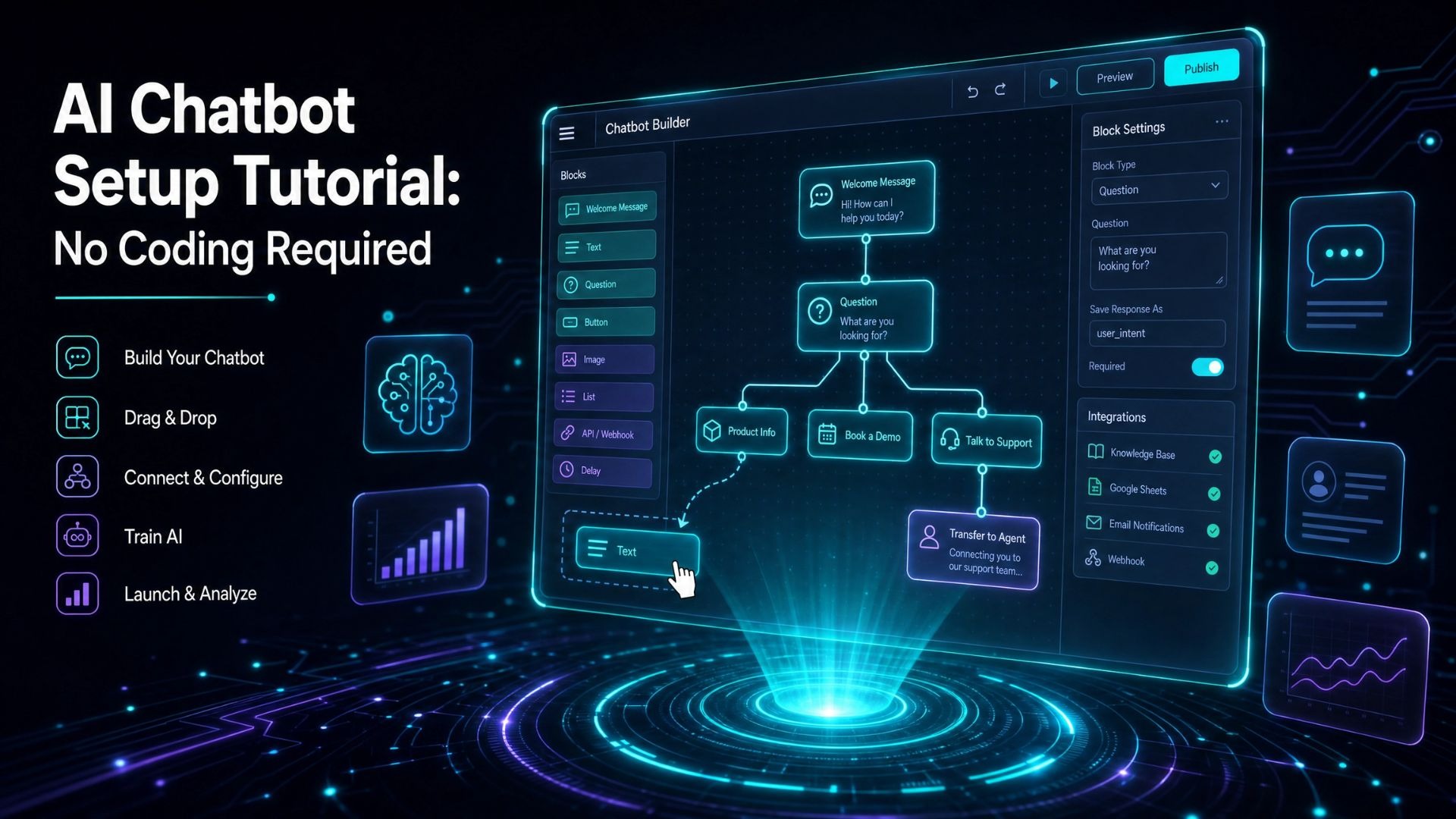
The landscape of customer support is undergoing a rapid transformation, driven by the increasing sophistication and accessibility of artificial intelligence. Businesses of all sizes are recognizing the imperative to automate routine inquiries, enhance customer satisfaction, and free up human agents for more complex tasks. For many, the idea of deploying an AI chatbot conjures images of complex coding, extensive development cycles, and significant financial investment. However, this perception is now largely outdated. The year 2026 marks a pivotal point where powerful AI chatbot solutions are not only widely available but also incredibly easy to implement, even for those with zero coding experience. This comprehensive guide will walk you through the straightforward process of setting up an AI chatbot without writing a single line of code, ensuring your business can leverage this technology efficiently and effectively.
Why You Don't Need Coding Skills Anymore
The evolution of AI and software development has democratized access to advanced technologies. What once required a team of developers, data scientists, and significant infrastructure, can now be achieved through intuitive, no-code platforms. This shift is particularly pronounced in the AI chatbot sector, where sophisticated algorithms and machine learning models are now encapsulated within user-friendly interfaces.
The primary driver behind this accessibility is the rise of platforms that abstract away the underlying technical complexities. These platforms provide pre-built components, drag-and-drop interfaces, and intelligent automation tools that empower non-technical users to configure and deploy powerful AI solutions. For businesses, this means:
· Reduced Time-to-Market:Chatbots can be live and operational in minutes, not months.
· Lower Development Costs:Eliminating the need for specialized developers significantly cuts expenses.
· Increased Agility:Businesses can quickly adapt their chatbot's knowledge and responses to changing needs without external dependencies.
· Empowerment of Business Users:Marketing, sales, and support teams can directly manage and optimize the chatbot, ensuring it aligns perfectly with business objectives.
This paradigm shift ensures that even small and medium-sized enterprises (SMEs) can compete with larger corporations in terms of customer experience, leveraging AI to provide instant, 24/7 support.
Step 1: Prepare Your Knowledge Base
The effectiveness of any AI chatbot hinges entirely on the quality and comprehensiveness of its knowledge base. Think of this as the brain of your chatbot; it's where the AI learns everything it needs to know to answer customer questions accurately. Before you even touch a no-code platform, dedicating time to organize your existing information is crucial.
Start by gathering all relevant documentation. This typically includes:
· FAQs:Your existing frequently asked questions and their corresponding answers.
· Help Articles/Support Documentation:Detailed guides, troubleshooting steps, and product manuals.
· Product/Service Descriptions:Information about your offerings, pricing, features, and benefits.
· Company Policies:Shipping, return, privacy, and terms of service policies.
· Internal Knowledge Bases:Any internal documents that contain valuable customer-facing information.
Once gathered, review and refine this content. Ensure that:
· Accuracy:All information is up-to-date and correct. Outdated information can lead to customer frustration.
· Clarity and Conciseness:Answers are easy to understand and to the point. Avoid jargon where possible.
· Completeness:Address all aspects of a common query.
· Consistency:Maintain a consistent tone and terminology across all documents.
For optimal performance, consider structuring your data in easily digestible formats. While many no-code platforms can ingest various file types (PDFs, Word documents, web pages), organizing them logically into categories or topics will aid the AI in understanding relationships and retrieving precise answers. A well-structured knowledge base is the bedrock of an intelligent and helpful chatbot.
Step 2: Choose a No-Code Platform
Selecting the right no-code AI chatbot platform is paramount. The market offers various solutions, but for a truly no-code, quick setup experience, platforms like QuickWise stand out. These platforms are designed specifically to eliminate technical barriers, allowing business users to deploy sophisticated AI.
When evaluating platforms, consider the following key features:
Feature | Description | Why it's Important for No-Code Setup |
Data Ingestion Capabilities | How easily can the platform import your existing knowledge base (e.g., PDFs, URLs, text files)? | Crucial for quickly populating the chatbot's brain without manual data entry. |
AI/NLP Engine | The underlying technology that understands natural language and retrieves answers. | Determines the chatbot's accuracy and ability to handle variations in user queries. |
Ease of Use (UI/UX) | Intuitive interface, drag-and-drop functionality, clear configuration options. | Directly impacts how quickly and efficiently non-technical users can set up and manage the chatbot. |
Customization Options | Ability to brand the chatbot widget (colors, logo, greetings). | Ensures the chatbot seamlessly integrates with your website's aesthetic and brand identity. |
Integration with Ticketing | Seamless handover to human agents and integration with existing CRM/helpdesk systems. | Prevents customer frustration by offering a clear escalation path and maintaining a unified support workflow. |
Answer Correction System | Tools to review and refine chatbot responses, ensuring accuracy and continuous improvement. | Essential for ongoing optimization and maintaining high-quality interactions without developer intervention. |
Analytics & Reporting | Insights into chatbot performance, common queries, resolution rates, and user feedback. | Helps identify areas for improvement in the knowledge base and chatbot's responses. |
For this tutorial, we'll assume you've chosen a platform like QuickWise, which emphasizes rapid deployment and ease of use. The core idea is to find a platform that aligns with your specific needs for speed, simplicity, and functionality.
Step 3: Train Your AI Chatbot
Once you've selected your platform, the next step is to "train" your AI chatbot by feeding it your prepared knowledge base. With no-code platforms, this process is surprisingly straightforward and typically involves just a few clicks.
1. Upload Your Data: Navigate to the data or knowledge base section of your chosen platform. You'll usually find options to upload files (PDFs, DOCX), paste text, or provide URLs to web pages. For example, with QuickWise, you can simply upload your documentation or link to your website's FAQ page. The AI will then automatically process and index this information.
2. Initial Processing: The platform's AI engine will then analyze your content, extract key information, identify relationships between concepts, and build an internal representation of your knowledge. This process can take a few minutes, depending on the volume of your data.
3. Review and Refine (Optional but Recommended): While the AI is smart, an initial review of some generated responses can be beneficial. Some platforms might offer a "test chat" mode where you can ask questions and see how the AI responds based on the ingested data. This step helps you identify any immediate gaps or areas where the AI might misunderstand context.
4. Leverage Answer Correction System: This is a critical feature for continuous improvement. Platforms like QuickWise include an integrated answer correction system. This allows you to:
· Monitor Interactions:Review actual conversations your chatbot has with users.
· Identify Incorrect Answers:Pinpoint instances where the chatbot provided an inaccurate or unhelpful response.
· Correct and Teach:Directly edit the chatbot's response for a specific query or add new information to its knowledge base to prevent future errors. This teaches the AI, improving its accuracy over time without needing to re-upload entire documents.
This iterative process of training, testing, and refining ensures your chatbot becomes increasingly accurate and helpful over time.
Step 4: Customize the Chatbot Widget
After your chatbot has been trained, the next step is to customize its appearance to seamlessly integrate with your website and brand identity. This is where you make the chatbot feel like a natural extension of your customer experience, not an outsourced tool.
No-code platforms typically offer intuitive customization options for the chatbot widget, including:
· Branding:Upload your company logo, choose brand colors, and select fonts that match your website's aesthetic.
· Greeting Messages:Craft personalized welcome messages that appear when a user opens the chat widget. This can be a simple "Hi there! How can I help you today?" or something more specific to your offerings.
· Chat Icon:Select or upload an icon for the chat button that appears on your website.
· Placement:Decide where the chat widget will appear on your web pages (e.g., bottom-right, bottom-left).
· User Interface Language:If you serve a multilingual audience, ensure you can set the default language and potentially offer language switching options.
· Agent Handover Options:Configure how and when the chatbot should offer to connect a user to a human agent. This might